Welcome to SICHANGO VISION TECHNOLOGY
ACS and PPS Functions in Print Image Inspection Systems – Complete Guide From Sichango
- ACS
- PPS
Modern print image inspection systems are designed to ensure 100% visual quality control in web printing and packaging applications.
Two of the most essential features that make inspection faster, more precise, and easier to manage are ACS (Automatic Composite Scanning) and PPS (Print Position Storage).
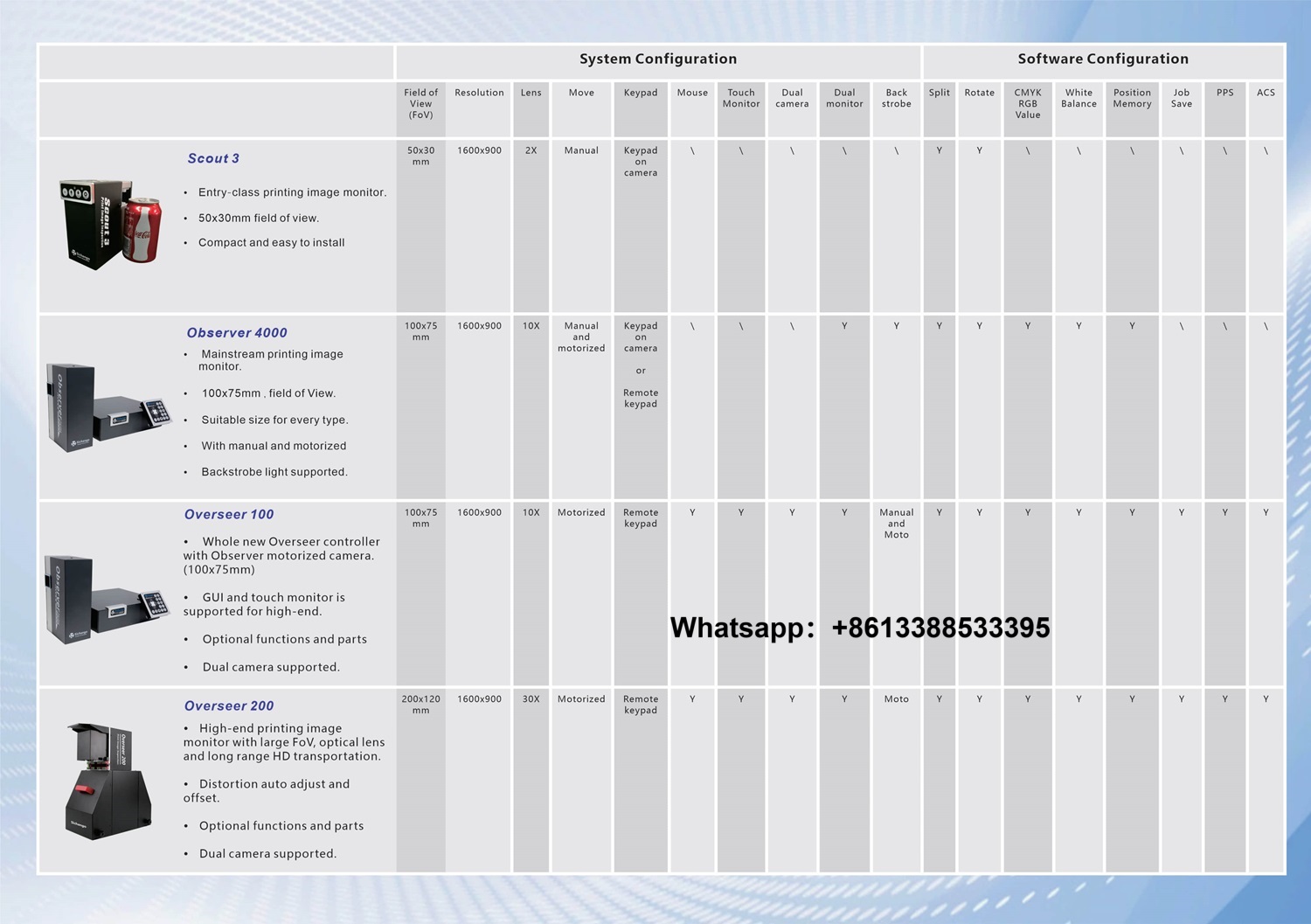
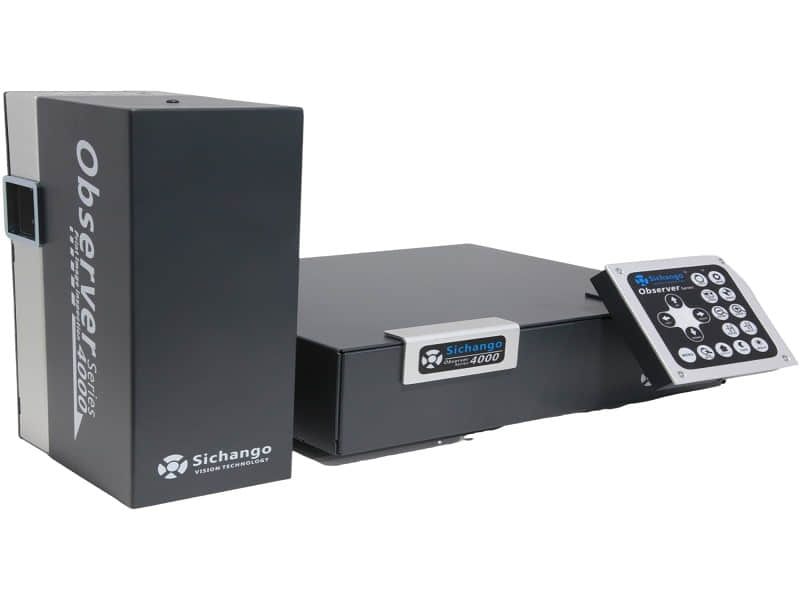
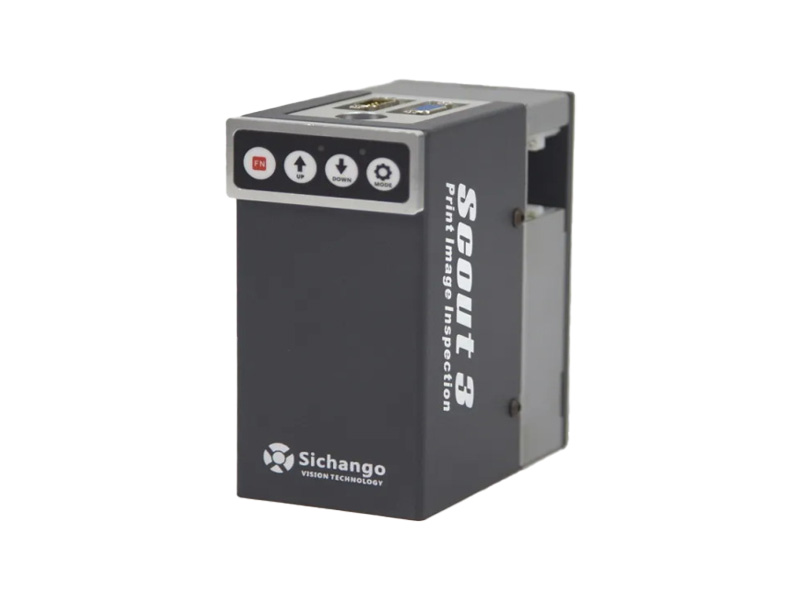
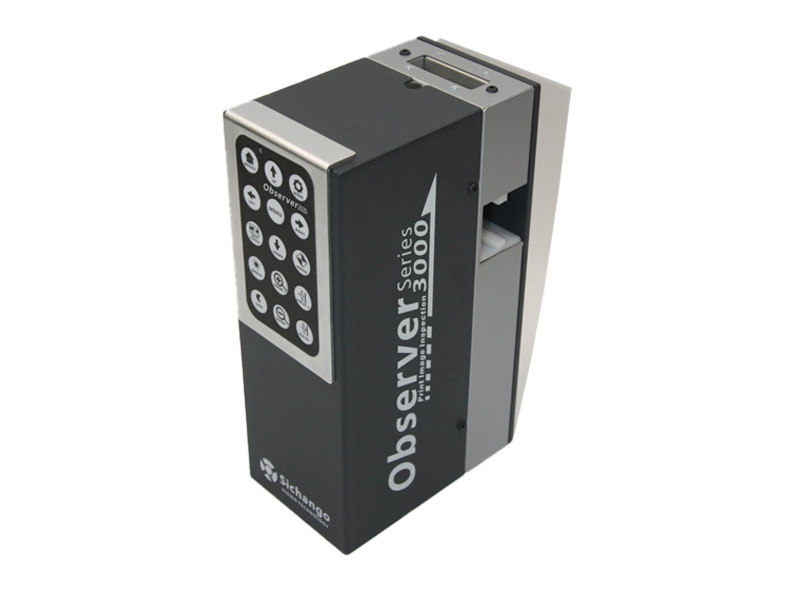
These advanced functions, available in high-end SICHANGO web inspection systems, help users perform accurate panoramic image capture and intelligent print position alignment for consistent, high-quality results.
1. ACS Mode (Automatic Composite Scanning)
What Is ACS Mode?
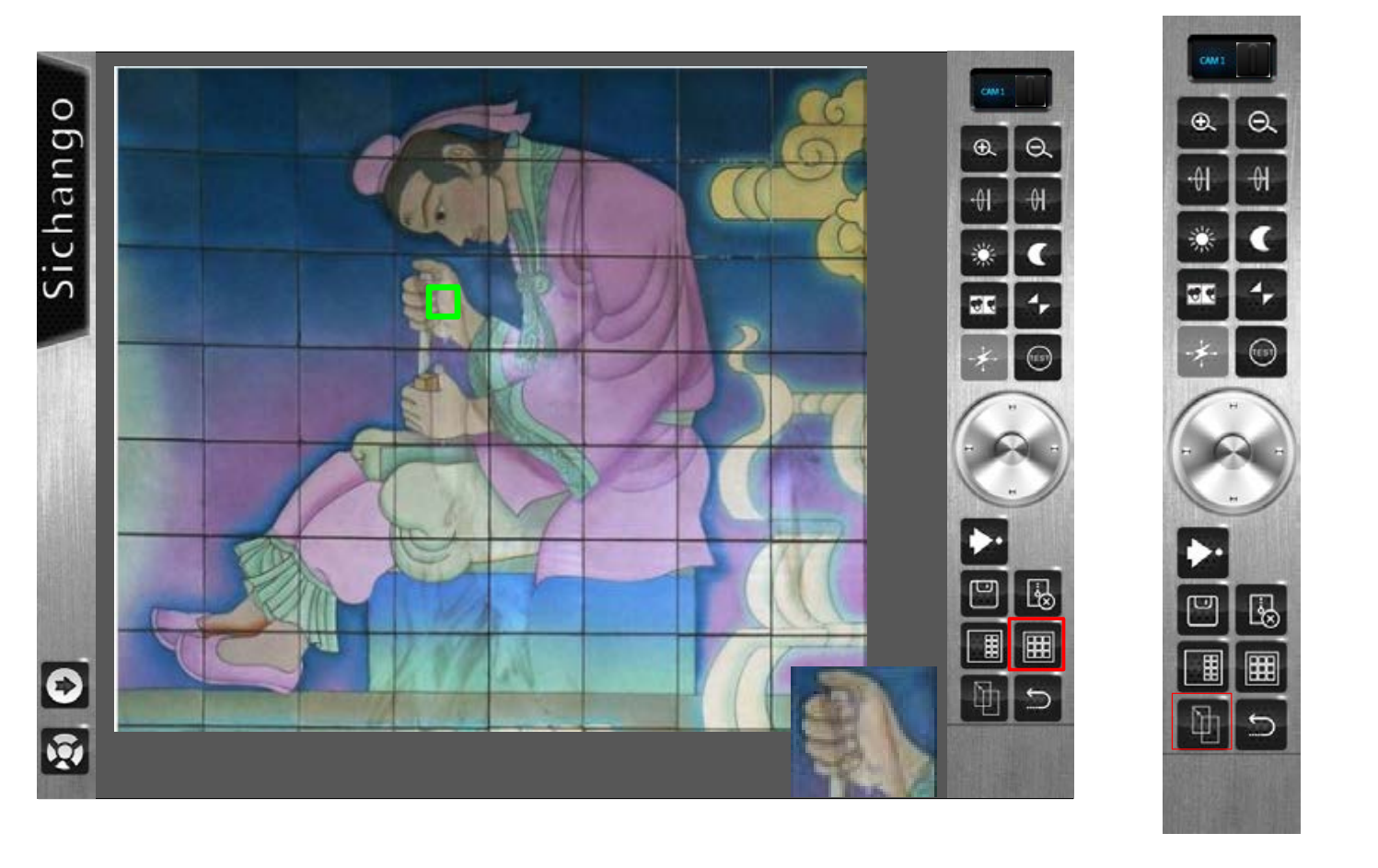
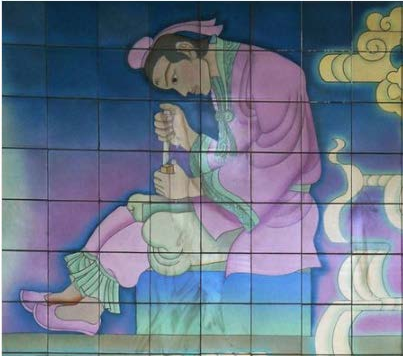
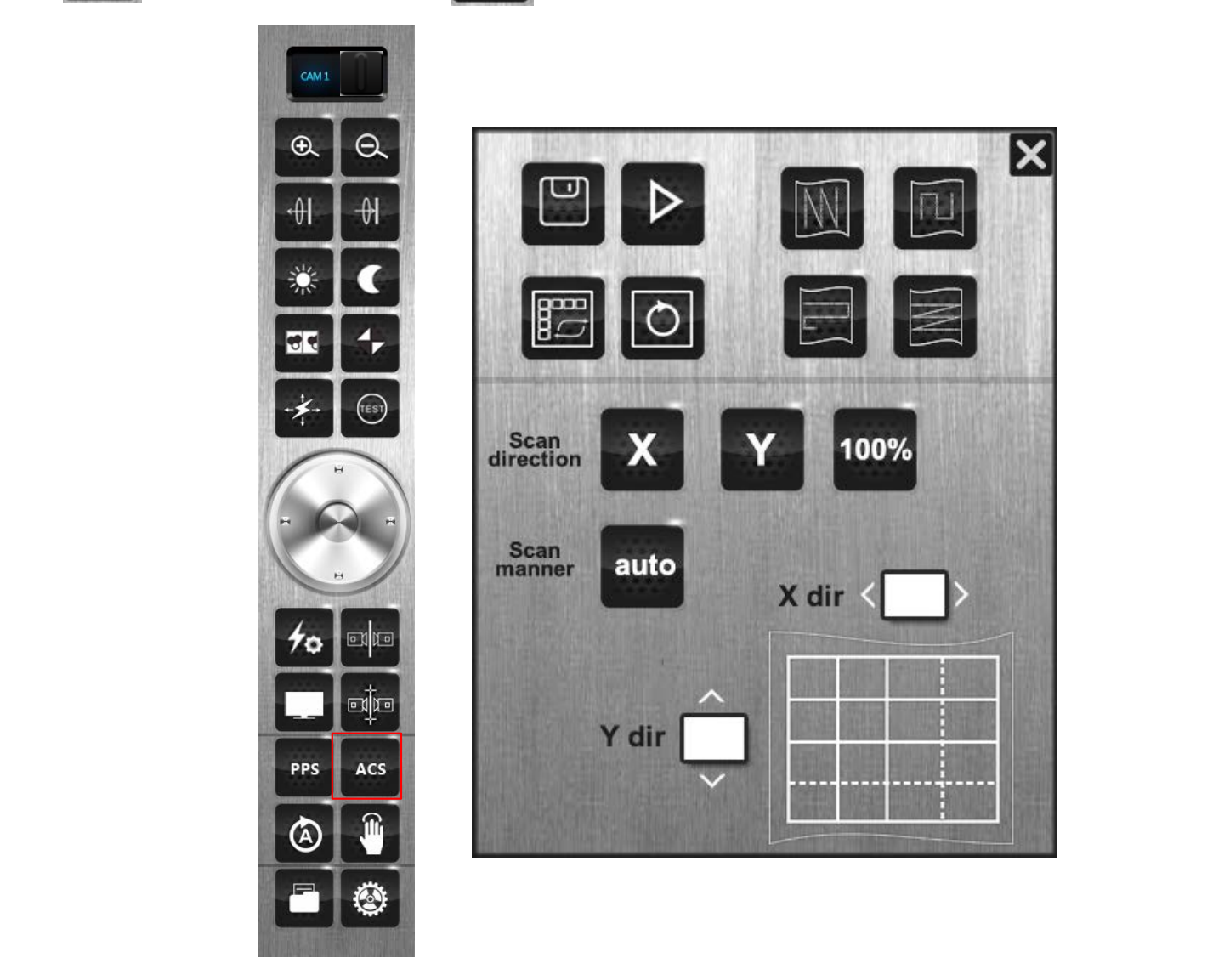
ACS Mode is an advanced scanning feature used to create a complete panoramic image of the printed web or sample surface.
By performing horizontal, vertical, or full-area scanning, the camera captures multiple high-resolution frames and automatically stitches them together into one continuous panoramic view.
This ensures that every section of the printed surface is fully covered, providing an accurate visual reference for inspection, defect analysis, and quality assurance.
How ACS Mode Works
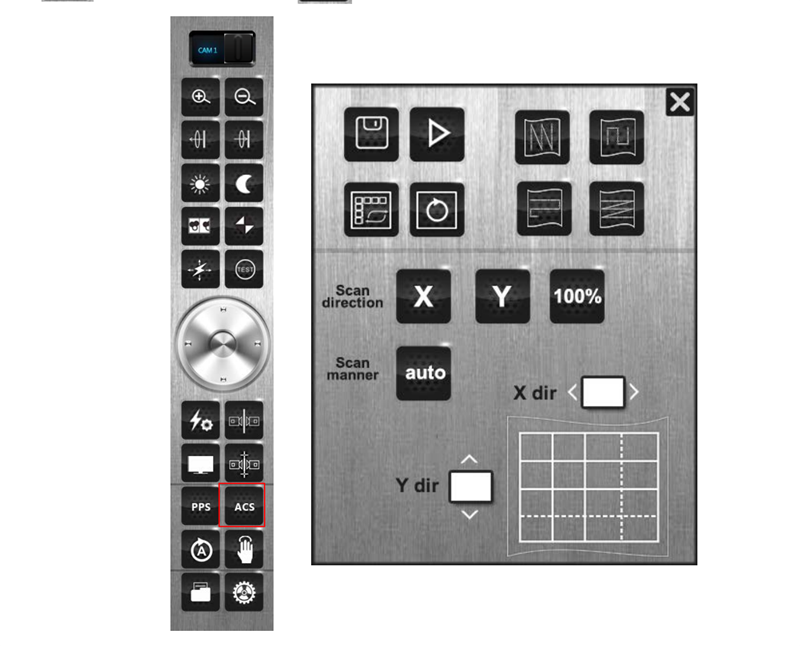
In ACS mode, the system performs scanning along the user-defined direction:
From bottom to top or top to bottom
From left to right or right to left
Or both directions for full 100% scanning coverage
Operators can choose between automatic mode, where the system calculates the scan passes automatically, or manual mode, where the number of scans in X and Y directions can be set manually.
During scanning, the panoramic image can be displayed in real-time or generated in the background. The captured panorama can also be saved for analysis, reporting, or comparison.
Key Benefits of ACS Mode
✅ Full-surface coverage — captures every detail of the printed web or flexible film
✅ Automatic panoramic stitching — generates one complete high-resolution image
✅ Flexible scanning direction — supports both horizontal and vertical scanning
✅ Real-time display and storage — allows instant viewing or background processing
✅ Perfect for large-format inspection — ideal for flexible packaging, labels, and decorative printing
When to Use ACS Mode
ACS mode is particularly useful for:
Pre-production calibration before online inspection
Capturing static panoramic images for analysis or documentation
Comparing print quality between batches or production runs
Creating reference images for system training and defect verification
By providing a complete view of the entire printed surface, ACS Mode helps manufacturers achieve precise visual inspection and reduce setup time, ensuring consistent print quality across production lines.
2. PPS Mode (Print Position Storage)
What Is PPS Mode?
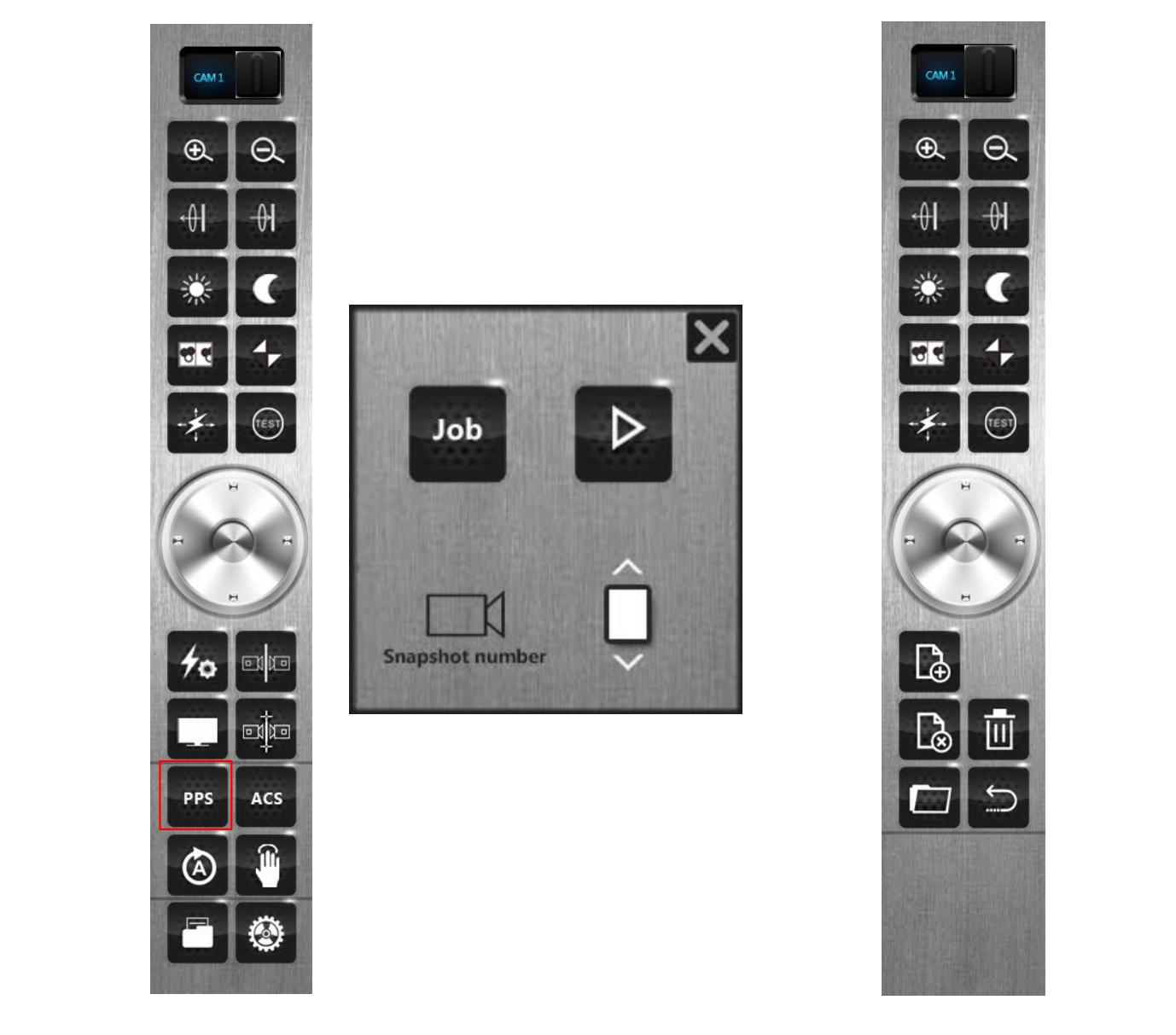
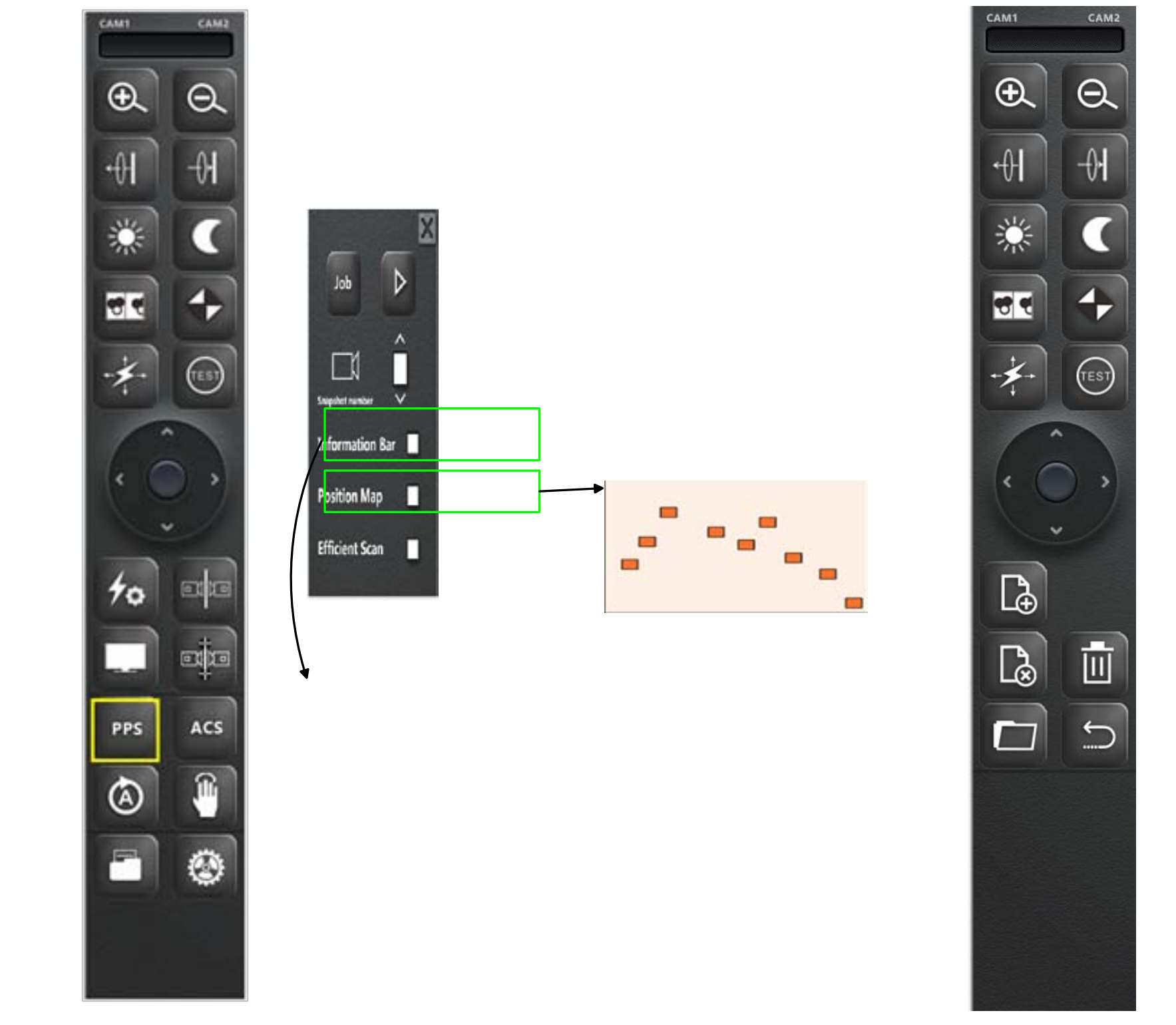
PPS (Print Position Storage) is an intelligent function that stores the print position, inspection regions (ROIs), and reference coordinates used in each inspection task.
It is designed to help operators automatically align and recall previous inspection settings without having to redefine them manually every time.
When the same job or artwork needs to be inspected again, the system can instantly load the stored PPS file, automatically align the print position, and start inspection immediately.
How PPS Mode Works
During initial setup, the PPS function records:
The exact position of the printed image
The inspection area or ROI coordinates
The reference alignment points used for positioning
When the same print job or template is used again, the system automatically applies these saved coordinates and parameters, allowing fast job recall and perfect alignment within seconds.
Applications of PPS Mode
Repeat Order Production
For recurring print jobs (e.g., same label or packaging design), PPS allows instant recall of inspection regions and print positions—no need to reset manually.Multi-Station or Multi-Machine Switching
When the inspection system is connected to different machines (such as flexo, gravure, or label presses), PPS helps identify and load the correct print coordinates automatically.Dual-Camera Inspection Systems
PPS ensures both cameras remain synchronized when switching between inspection windows, preventing misalignment and improving detection accuracy.
Advantages of PPS Mode
✅ Automatic alignment and job recall — no need for repeated manual setup
✅ High efficiency in repeat orders — saves setup time and ensures consistency
✅ Improved inspection accuracy — stable reference coordinates prevent deviation
✅ Ideal for multi-camera or multi-line systems — supports complex production setups
Conclusion
Both ACS and PPS functions play vital roles in enhancing the performance of print image inspection systems and web inspection solutions.
ACS Mode provides a full panoramic view of the printed material, ideal for detailed image analysis, calibration, and quality documentation.
PPS Mode ensures consistent alignment, reduces setup time, and supports fast repeat job recall, making production more efficient and accurate.
Together, these functions form the backbone of high-performance inspection systems like the SICHANGO Web Inspection System, trusted by manufacturers worldwide for precision printing inspection, defect detection, and repeatable quality control.
Contact us now for more details:
Contact:Ms Linda
Whatsapp:+8613388533395
Email:[email protected]
 English
 Español
 Русский